How to Install Python on Windows (2026 Beginner's Guide)
Updated: 2/10/2026••3 min read•383 views••
Learn how to install Python on Windows in 2026 with this beginner-friendly step-by-step guide. Download Python from the official website, install it correctly, verify the installation, and write your first Python program in just a few minutes.
Python is one of the most popular and widely used programming languages in 2026. Whether you want to learn web development, artificial intelligence (AI), machine learning, data science, automation, or software development, Python is one of the best programming languages to start with.
In this beginner-friendly guide, you'll learn how to install Python on Windows step by step.
Congratulations! 🎉 You have written and executed your very first Python program.
Troubleshooting
"python" is not recognized as an internal or external command#
This usually means Python wasn't added to your system's PATH.
You can:
Reinstall Python and make sure Add Python to PATH is checked.
Or manually add Python to the Windows PATH environment variable.
Conclusion
Installing Python on Windows is simple and only takes a few minutes. Once installed, you're ready to start learning programming, building projects, automating tasks, creating websites, working with AI, and much more.
Keep practicing by writing small Python programs every day, and you'll improve quickly.
Python is a high-level, easy-to-learn programming language used for web development, artificial intelligence (AI), machine learning, data science, automation, desktop applications, and more.
Yes. Python is completely free and open-source. You can download it safely from the official Python website.
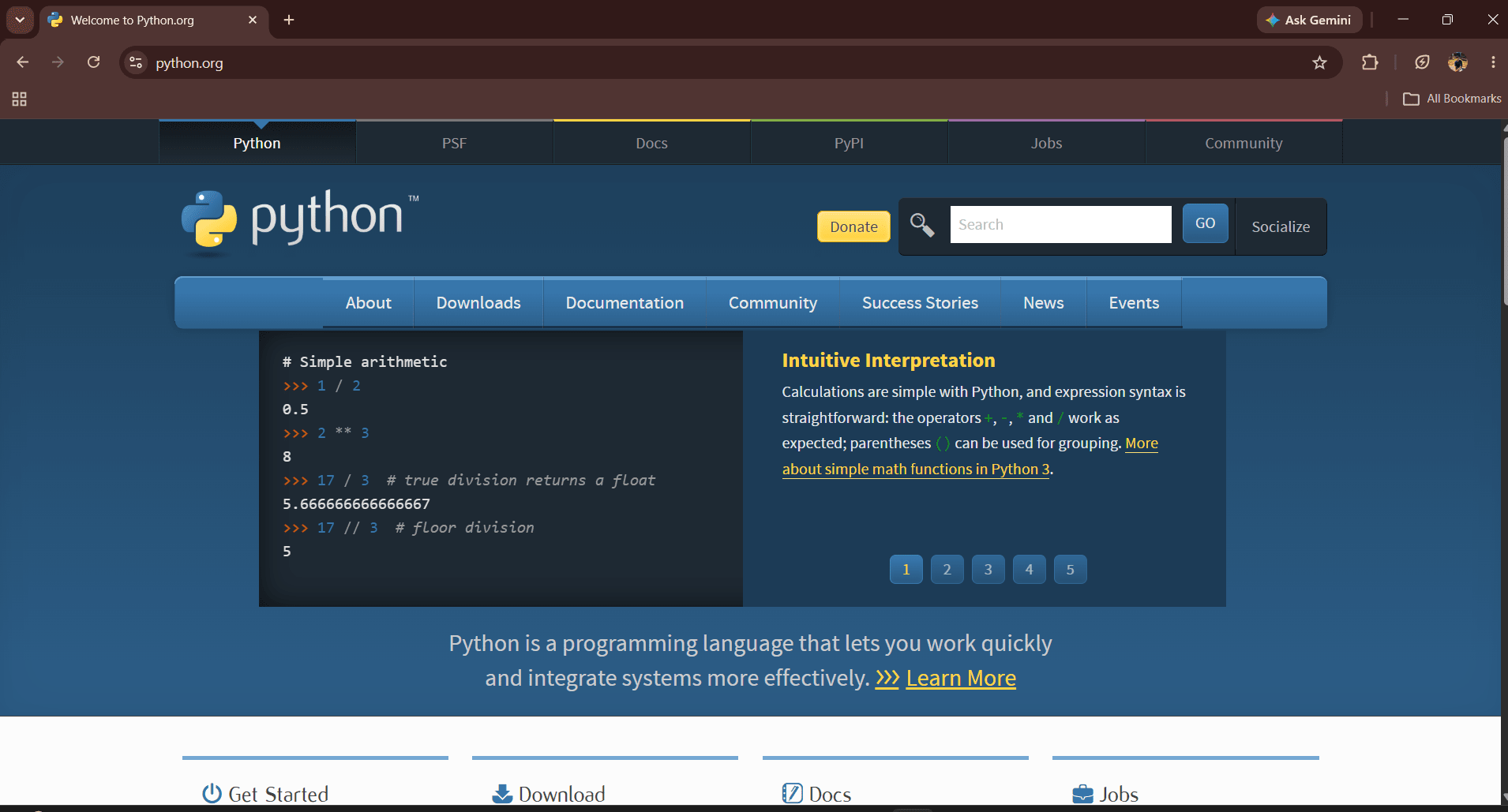
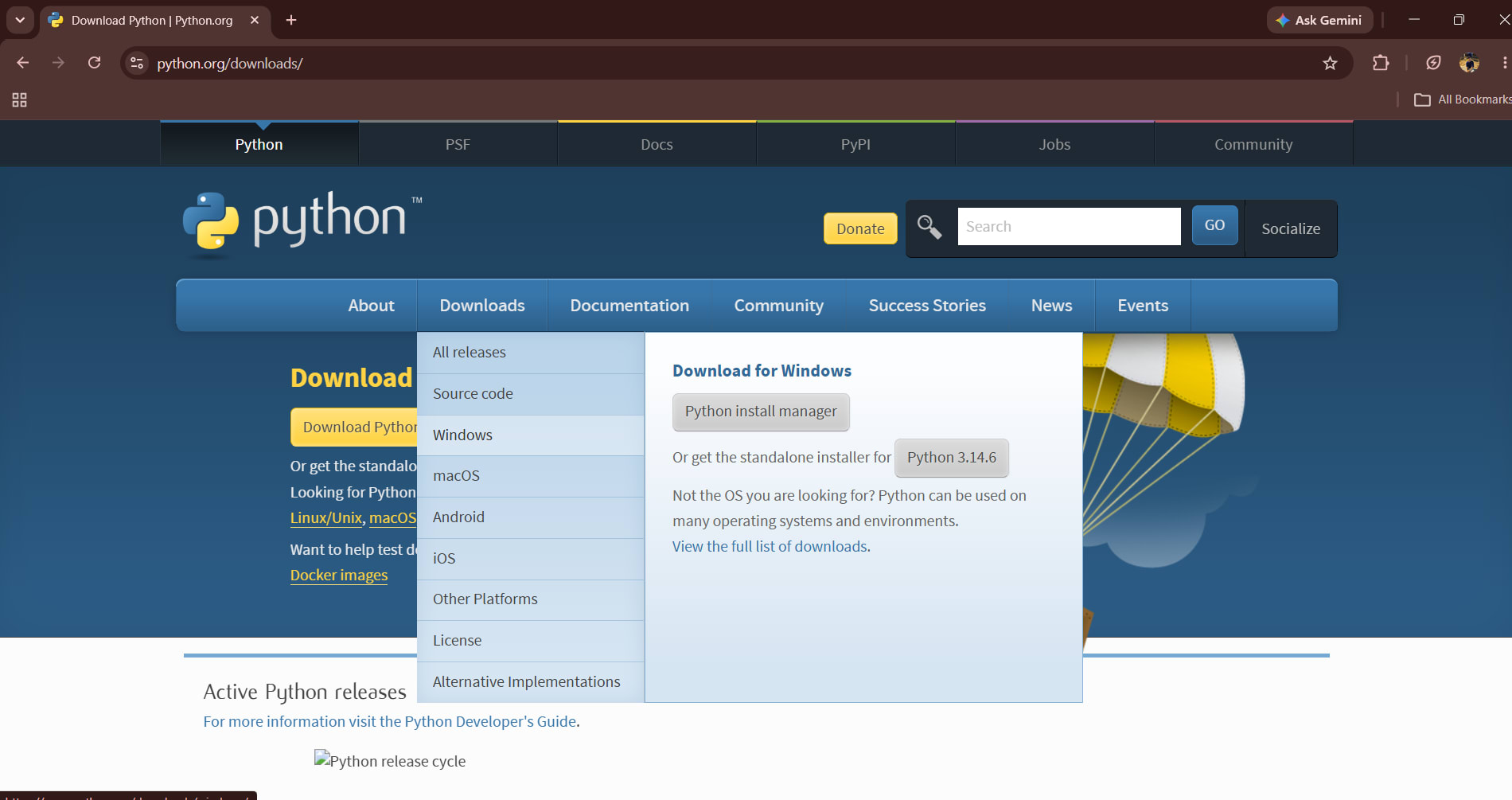
Always download Python from the official website:
https://www.python.org/
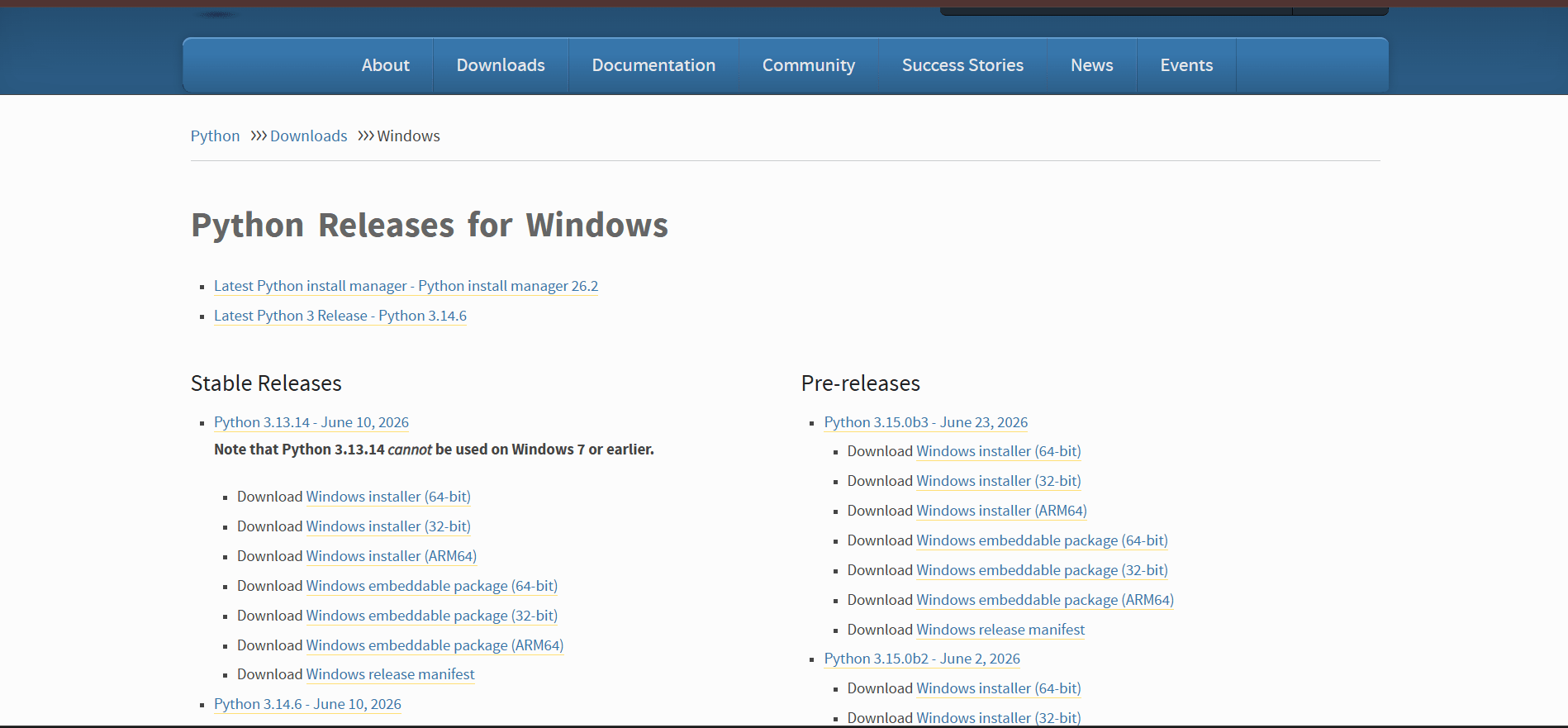
It is recommended to install the latest stable version of Python unless your project requires an older version.
Open Command Prompt and run:
python --version
If Python is installed correctly, you'll see an output similar to:
Python 3.14.6
DLE is Python's built-in code editor and interactive shell. It lets beginners write, run, and test Python programs without installing any additional software.