
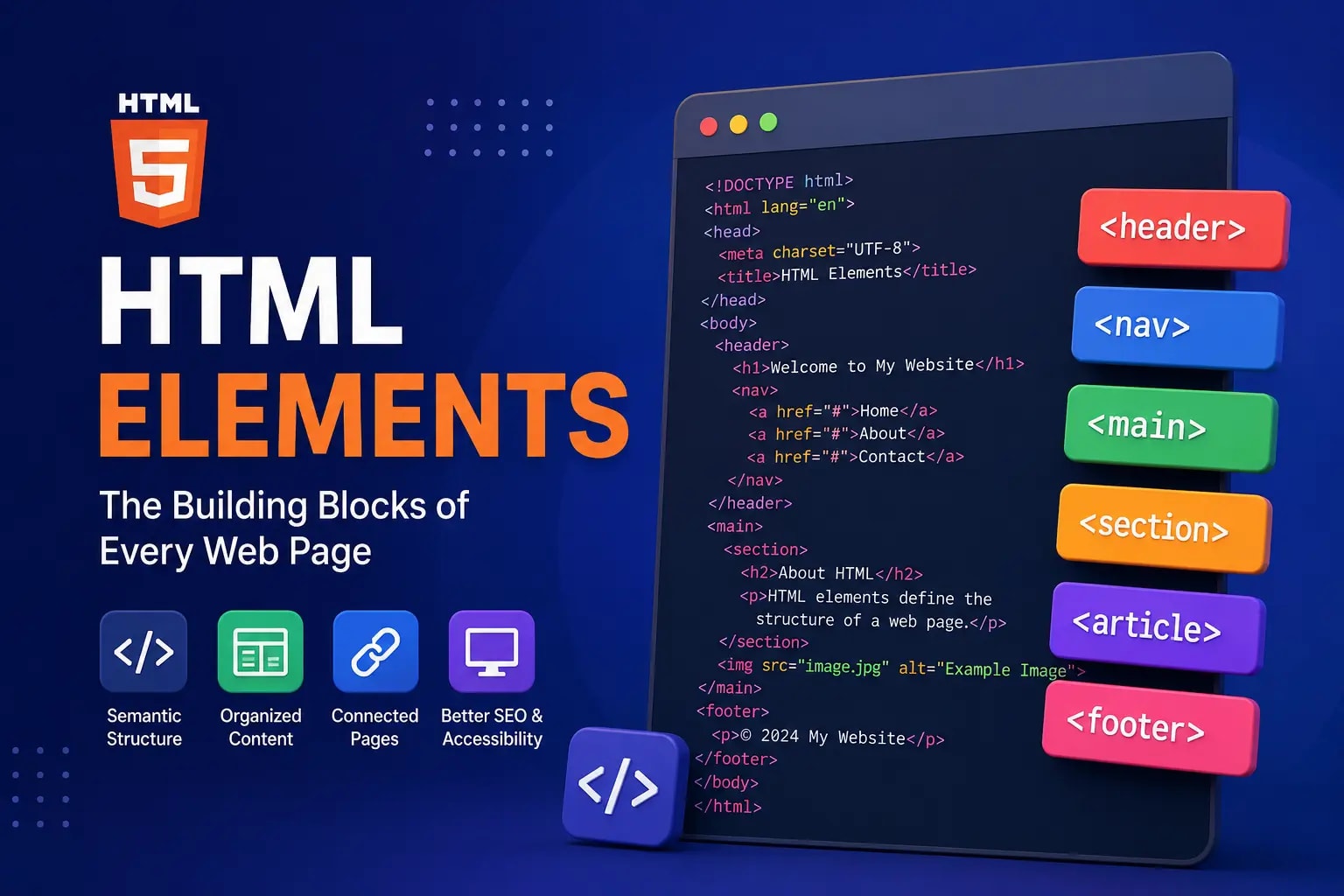
HTML (HyperText Markup Language) is the foundation of every website. It uses elements to structure and organize content such as headings, paragraphs, images, links, tables, and forms.
Understanding HTML elements is one of the first and most important steps in learning web development.
What Are HTML Elements?#
An HTML element is a piece of content defined by HTML tags. It tells the browser how content should be displayed on a webpage.
Example#
<p>This is a paragraph.</p>
In this example:
<p>is the opening tag.This is a paragraph.is the content.</p>is the closing tag.
Together, they form an HTML element.
Structure of an HTML Element#
A typical HTML element consists of:
<tagname>Content goes here</tagname>
Example#
<h1>Welcome to My Website</h1>
Here:
<h1>is the opening tag.Welcome to My Websiteis the content.</h1>is the closing tag.
Types of HTML Elements#
HTML elements are generally divided into two categories:
1. Container Elements#
These elements contain content and have both opening and closing tags.
Example:
<p>Hello World!</p>
2. Empty Elements#
These elements do not contain content and do not require a closing tag.
Example:
<br>
<hr>
<img src="image.jpg" alt="Image">
Common HTML Elements#
Headings#
Headings are used to define titles and section headings.
<h1>Main Heading</h1>
<h2>Subheading</h2>
<h3>Smaller Heading</h3>
There are six heading levels from <h1> to <h6>.
Paragraph#
Paragraphs are used to display blocks of text.
<p>This is a paragraph.</p>
Links#
Links connect one page to another.
<a href="https://example.com">Visit Website</a>
Images#
Images are displayed using the image element.
<img src="image.jpg" alt="Beautiful Landscape">
Lists#
Unordered List
<ul>
  <li>Apple</li>
  <li>Banana</li>
</ul>
Ordered List
<ol>
  <li>First Step</li>
  <li>Second Step</li>
</ol>
Tables#
Tables organize data into rows and columns.
<table>
  <tr>
    <th>Name</th>
    <th>Age</th>
  </tr>
  <tr>
    <td>John</td>
    <td>25</td>
  </tr>
</table>
Forms#
Forms collect user information.
<form>
  <input type="text" placeholder="Enter Name">
  <button>Submit</button>
</form>
HTML Semantic Elements#
Semantic elements describe the meaning of their content.
Examples:
<header></header>
<nav></nav>
<main></main>
<section></section>
<article></article>
<footer></footer>
Benefits of Semantic Elements#
- Better SEO
- Improved accessibility
- Easier code maintenance
- Better browser understanding
HTML Element Attributes#
Attributes provide additional information about an element.
Example:
<a href="https://example.com">Visit Site</a>
Here, href is an attribute that specifies the destination URL.
Another example:
<img src="photo.jpg" alt="Nature Photo">
Attributes are always placed inside the opening tag.
Nested HTML Elements#
HTML elements can be placed inside other elements.
Example:
<p>This is a <strong>bold</strong> word.</p>
The <strong> element is nested inside the paragraph element.
Best Practices for Using HTML Elements#
Use Semantic Elements#
Prefer semantic tags like:
<header>
<nav>
<main>
<footer>
instead of excessive <div> usage.
Keep Code Organized#
Use proper indentation and formatting.
Add Alt Text to Images#
Always provide descriptive alt text.
<img src="cat.jpg" alt="Cute Cat">
Use Heading Hierarchy#
Follow the correct order:
<h1>
<h2>
<h3>
Avoid skipping heading levels.
Validate HTML#
Use HTML validators to identify errors and improve code quality.
Simple Example of an HTML Page#
<!DOCTYPE html>
<html>
<head>
  <title>My First Web Page</title>
</head>
<body>

  <h1>Welcome</h1>

  <p>This is my first website.</p>

  <a href="https://example.com">Learn More</a>

</body>
</html>
Why HTML Elements Are Important#
HTML elements help:
- Structure web pages
- Improve SEO
- Enhance accessibility
- Organize content clearly
- Create interactive websites
- Improve user experience
Without HTML elements, browsers would not know how to display webpage content properly.
Conclusion#
HTML elements are the building blocks of every webpage. They define the structure, content, and meaning of information displayed in a browser. By learning common elements such as headings, paragraphs, links, images, lists, tables, and semantic tags, beginners can create well-structured and SEO-friendly websites.
Mastering HTML elements is the first step toward becoming a web developer.

